

01
Organize your fleet
Set up business locations, add vehicles and drivers, and keep assignments and vehicle records together.

MYFLEET / FLEET OPERATIONS
Bring vehicles, drivers, inspections, maintenance plans and running costs into one fleet workflow. When a vehicle needs attention, the AutoRoca AI advisor gathers shop options and arranges appointments for approved maintenance, service and repairs.
01 / FLEET MANAGEMENT
Set up business locations, add vehicles and drivers, and keep assignments and vehicle records together.
Record pickup and return condition, mileage, inspections and expenses. Set recurring maintenance by time, mileage or engine hours.
Review work orders, upcoming maintenance, document renewals and vehicle costs so your team can plan the next action.
FLEET HANDOFFS
Give the next driver and the service team a record of what changed.
01 / PICKUP AND RETURN
Record mileage and condition at pickup and return. A photo gives the next driver a reference if a dent or tire issue appears.

02 / INSPECTIONS
Keep inspection findings with the vehicle so a manager can follow up on an open concern.
03 / DOCUMENTS
Keep registration, insurance and inspection documents together and plan ahead for renewal dates.
FLEET MANAGEMENT / CONTROL AND VISIBILITY
Compare distance traveled with expenses to see how differently your vehicles are used.
Keep gasoline purchases and charging receipts with the vehicle that used them.
Review repair invoices alongside parking, tolls and other costs for each vehicle.

02 / AUTOMATED AI SERVICE ADVISOR
Turn a maintenance need, service request or repair concern into the next shop visit. The AI advisor helps assess the issue, contacts shops for quotes and availability, and follows up to book after you approve the work and choose a shop. An appointment is confirmed when the shop confirms its date and time.
Explore the fleet walkthroughAI ADVISOR / FROM REQUEST TO APPOINTMENT
Start with scheduled maintenance, a routine service request or a reported repair concern. Give the advisor the vehicle details and symptoms or work required.
The AI advisor contacts shops for estimates and availability. The fleet manager reviews the options, chooses a shop and approves the work.
The advisor follows up with the chosen shop to arrange the appointment. Review the confirmed date and time, then track the work and keep the service record with the vehicle.
MAINTENANCE / PLANNED WORK
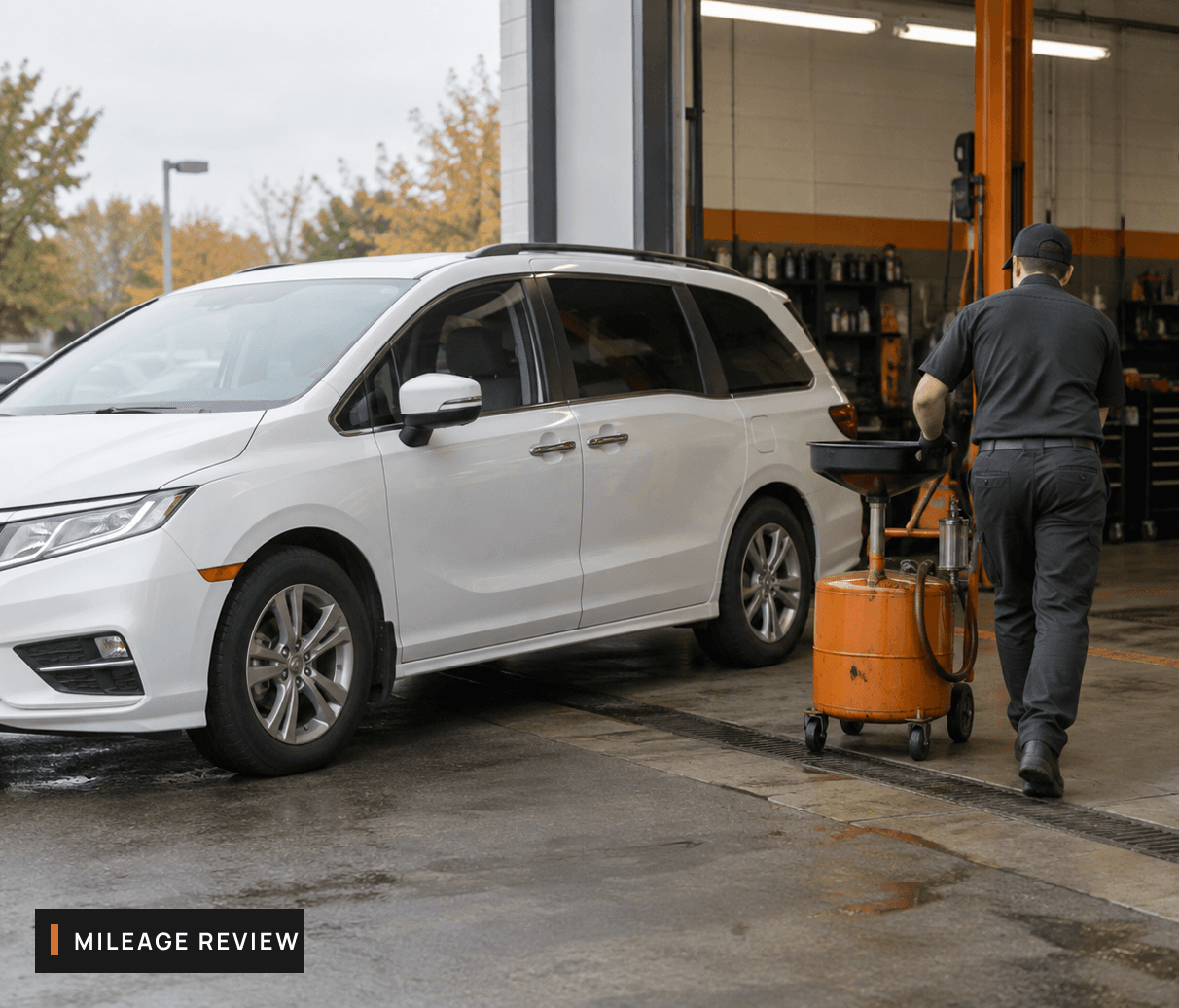
A vehicle reaches its configured time or mileage interval. Review the due task, then ask the AI advisor to find shop options and arrange the approved service visit.
SERVICE PLAN
EXAMPLE / 01
Maintenance due
Time or mileage interval reached
Next step
Review options and approve a service appointment.
SERVICE / DRIVER FOLLOW-UP
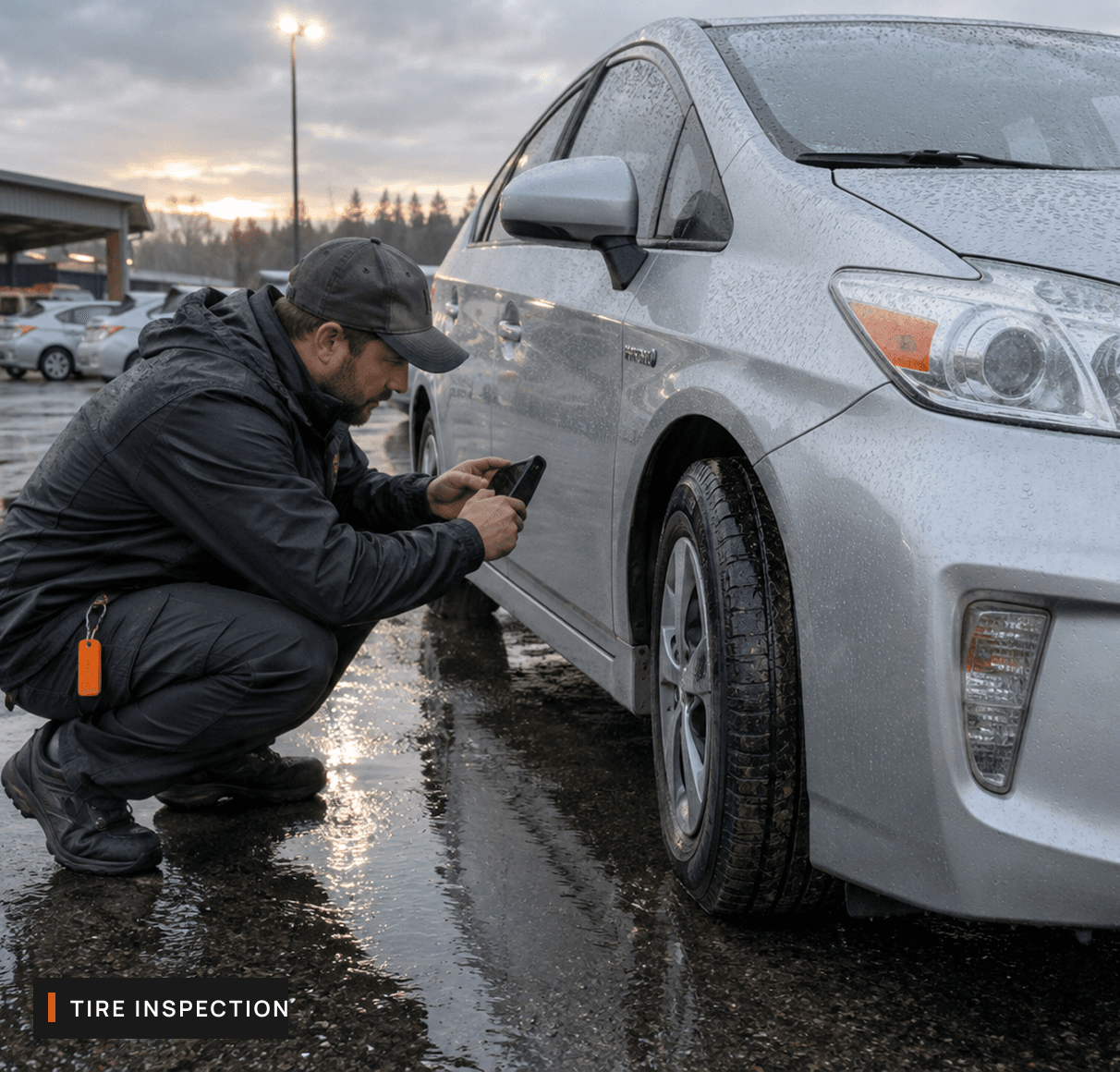
A driver reports uneven tread during a handoff. Keep the photo and notes with the vehicle, then use the advisor to contact shops about an inspection and availability.
CONDITION REPORT
EXAMPLE / 02
Inspection requested
Driver photo and notes attached
Next step
Choose a shop and arrange the inspection.
REPAIRS / REPORTED CONCERNS
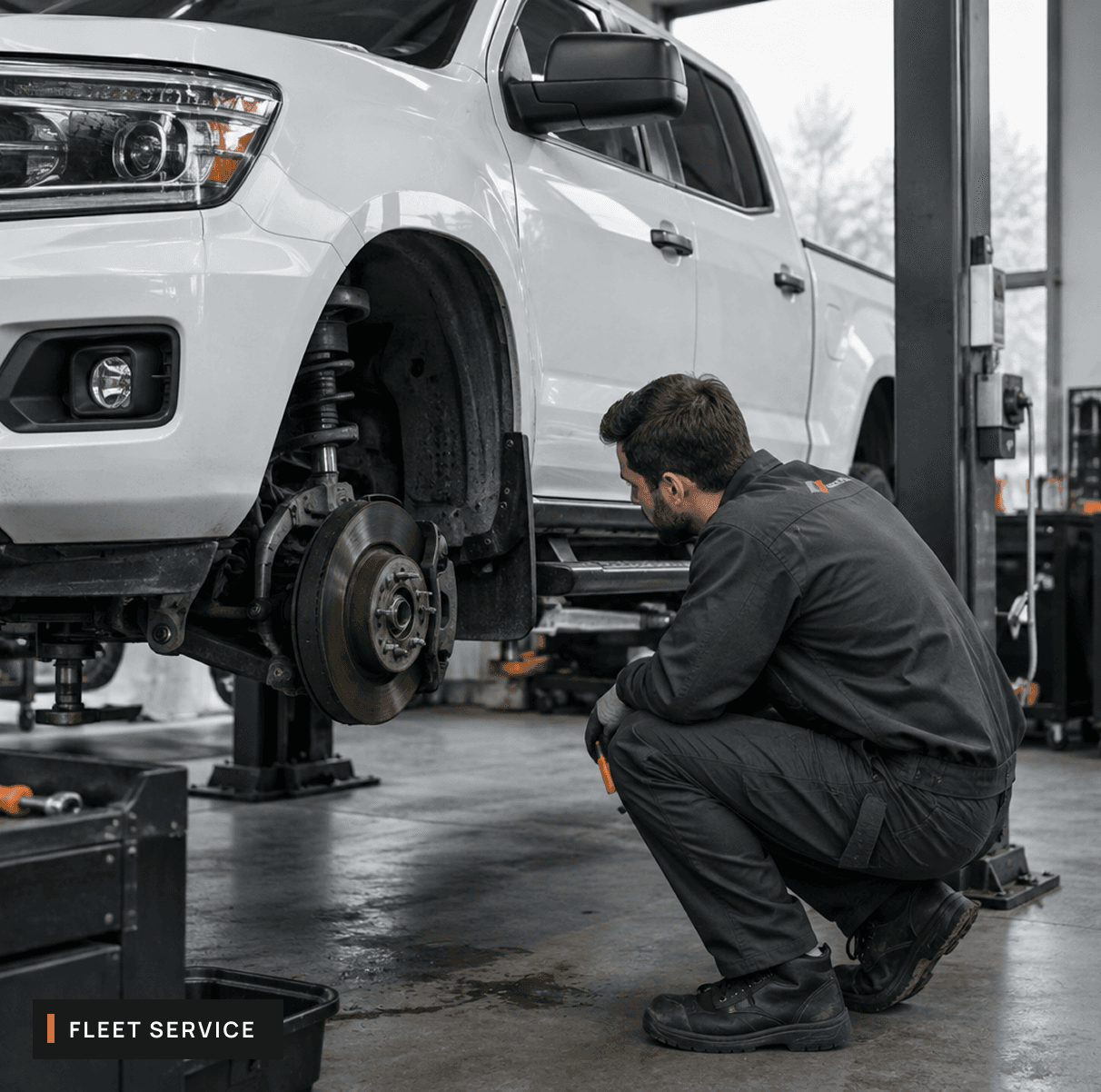
A driver reports a brake concern. The advisor helps clarify the symptoms and gather shop estimates. The manager approves the next step before the advisor follows up on the booking.
REPAIR REQUEST
EXAMPLE / 03
Manager review
Shop options and estimates
Next step
Approve the work and review the confirmed appointment.
MYFLEET / VEHICLE RECORDS
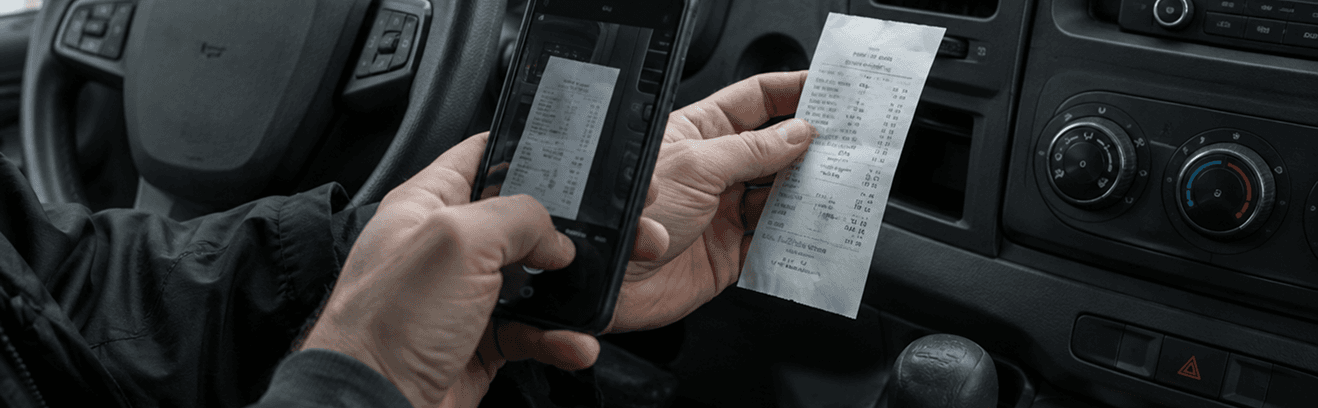
How does photo entry work?
Capture a receipt, odometer reading or service invoice. Your team reviews the details and saves them to the vehicle’s history.
Explore the fleet walkthroughAUTOROCA / MYFLEET
CAPTURE
Brake check
REVIEW
Brake pad condition
SAVE
Service history
MYFLEET / MONTHLY REPORTING
Use the monthly review to decide which vehicle needs a closer look and what to budget for its next service.
DISTANCE
Read fuel and charging costs alongside mileage. A minivan covering more routes can cost more to run even if its efficiency stays steady.
SERVICE HISTORY
Check the service invoice against the vehicle’s history. A single tire replacement tells a different story from repeated visits for the same concern.
UPCOMING WORK
Review upcoming maintenance and open shop quotes together. A pickup approaching its next service may need both a spending allowance and time off its route.
MYFLEET / QUESTIONS
Manage vehicles and drivers, pickup and return records, inspections, recurring maintenance plans, work orders, expenses and renewal documents. Keep the history attached to each vehicle so the team can follow up.
Manage your vehicles, drivers and fleet workflow, then let the AI advisor coordinate approved shop visits.
Already registered? Sign in to MyFleet